
CivicPress 0.6.9 is out, and while it’s a focused release, it packs in some useful improvements for site administrators and developers alike. Here’s what’s new.
Introducing the Super Editor Role
The headliner in 0.6.9 is a new user role: Super Editor. Super Editor fills a gap between the built-in Editor role and full Administrator access. It allows everyday content managers to avoid using having to use and Administrator role on a daily basis.
Streamlined Admin Branding
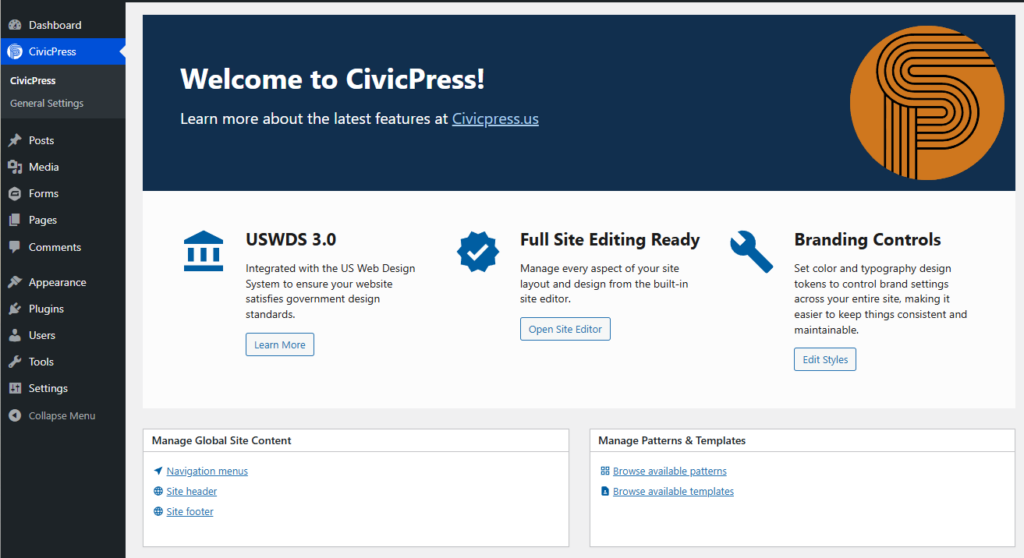
Admin branding gets a polish pass in this release. The improvements make the WordPress dashboard feel more cohesive and on-brand. A small but meaningful touch for public sector agencies who want a consistent experience for their content teams from the moment they log in. This works by using color values set for front-end site visitors.
Patterns Now Use Wide Width for Content
Block patterns in CivicPress can now use wide width for content areas.
Accessibility: Improved ARIA Attributes for Social Icons
The social icon block now carries better ARIA attributes, improving screen reader support for users navigating CivicPress sites with assistive technology. Small fix, real impact.
Under the Hood
Developers will find updated default media settings image sizes and refreshed dependencies in this release. Nothing breaking. Just keeping things current.